



Windows Fixes
Windows rarely breaks all at once. Instead, small glitches pile up over time. You might deal with stalled updates, failing drivers, cut-out sound, or a computer that just crawls. The troubleshooting guides in this section cover the most common fixes for Windows 10 and 11 so you can get rid of update errors, driver issues, audio bugs, and performance slowdowns.


How to Fix Sound or Audio Problems in Windows
No sound on your PC? Follow this diagnostic guide with separate, clear instructions for Windows…

How to Fix Windows 11 Slow Startup
A slow Windows 11 startup can happen in two different places: Before the sign-in screen:…

Why is My Bluetooth Not Working on Windows? 10 Reasons and Fixes
Bluetooth problems on Windows usually come down to a short list of reasons: Bluetooth is…

How to Turn Off Windows Notifications
Windows notifications are designed to keep you informed, but they pile up fast. App updates,…

How to Rebuild an OST File in Microsoft Outlook
An OST (Offline Storage Table) is the file Outlook uses to store a synchronized local…

How to Fix Nvidia GeForce Experience Error Code 0x0003
Error 0x0003 means GeForce Experience is unable to handshake with the NVIDIA background services it…

How to Convert HEIC to JPG on Windows
For a few files, open the image in the native Windows Photos app and save…
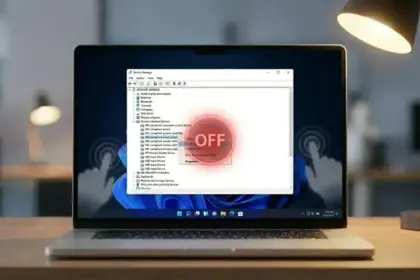
How to Turn Off Touchscreen on Windows 10 & 11
Use Device Manager to disable the "HID-compliant touch screen" driver on Win 10 and 11.…

How to Fix Steam Disk Write Error on Windows
A disk write error on Steam can stop your game download or update with a…
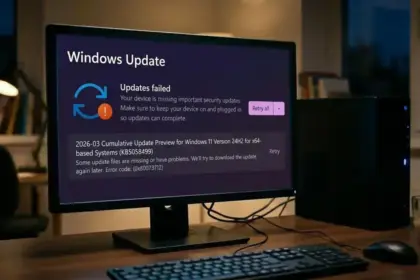
How to Fix Windows Update Error: Reasons for Update Stuck and Easy Solutions
Windows Update keeps Windows 10 and Windows 11 secure, stable, and compatible with the latest…
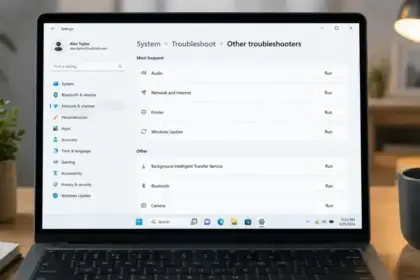
How to Fix Wi-Fi Connection Issues in Windows
Wi-Fi problems on Windows can show up in different ways. Sometimes your PC sees the…
How to Uninstall Apps and Programs on Windows
Removing an app from Windows sounds simple until the Uninstall button is missing, the program…


