



Phishing is a deceptive cyberattack that tricks people into sharing sensitive information by pretending to be a trusted source. Attackers use these social engineering tactics to steal confidential data, execute unauthorized financial transfers, or introduce malware onto your network. They skip trying to crack hard technical security or exploit software/system bugs and instead target human nature.
Security telemetry across the cybersecurity industry confirms that phishing is the leading initial access vector for most enterprise data breaches and ransomware attacks. According to IBM’s Cost of a Data Breach report, phishing is involved in 15% of breaches that happen worldwide, with average remediation costs of up to $4.88 million. Cisco’s threat research has also found that up to 80% of observed ransomware cases start with a single deceptive email or compromised login.
How Does Phishing Work
Phishing attacks usually follow a five step playbook to catch victims off guard and evade basic email filters.
- Reconnaissance: The attacker collects open-source intelligence (OSINT) by scraping business directories, press releases, vendor sites, and social networks like LinkedIn. This research reveals high-value targets, job duties, and internal reporting lines.
- Lure Fabrication: Hackers buy fake lookalike domains, clone genuine brand graphics, and register spoofed certificates. They write messages around urgent topics like expired passwords, unpaid invoices, or payroll changes.
- Deception and Delivery: The message reaches the target via email, text, phone call, or social chat. The communication creates a fake emergency that forces immediate action before the victim can verify its authenticity.
- Credential Theft or Payload Execution: When the recipient interacts with the lure, one of two things happens:
- Credential Harvest: The user is directed to a cloned authentication portal that captures usernames, passwords, or session tokens.
- Malware Delivery: If the user opens an attachment or clicks an exploit link, it leads to a background download of trojans, infostealers, or ransomware droppers.
- Exploitation and Lateral Movement: With valid login credentials or a foothold on a device, the scammer slips past security controls, gets high privileges, moves freely across the network, and steals company data.
Common Types of Phishing Attacks
Phishing gets its name from how attackers use lures to trick victims, just like we use bait to lure fish into a hook trap. These scams rely on fake messages that look real and trigger strong feelings like fear or curiosity. Attackers choose their lures based on who they are targeting and what they want to achieve. You can find the most common types of phishing attacks listed below.
| Phishing Attack | Target | Delivery Channel | How It Happens |
|---|---|---|---|
| Bulk Email Phishing | Mass consumer public | High-volume email |
Attackers blast out fake alerts pretending to be banks, couriers, or streaming sites to harvest credentials from as many people as possible. |
| Spear Phishing | Specific employees or teams | Targeted email |
This approach uses researched details like the victim’s name, role, or active projects to build trust. SANS Institute reports that 95% of enterprise intrusions happen via spear phishing. |
| Whaling | C-suite executives and board members | Executive-focused email |
Scammers target high-level employees with financial or operational power by waving around fake legal subpoenas, executive audits, or sensitive board matters. |
| Business Email Compromise (BEC) | Finance, HR, and accounts payable | Spoofed or hijacked corporate email |
Attackers disguise themselves as company leaders or trusted suppliers to trick people into rerouting cash, updating wire transfer details, or redirecting payroll deposits. |
| Clone Phishing | Legitimate email recipients | Replicated email threads |
Intercepts or obtains an authentic, previously delivered message, clones its formatting, and swaps out original links or attachments with malicious versions. |
| Voice Phishing (Vishing) | Employees, individuals, consumers | VoIP and phone networks |
Scammers spoof phone numbers to impersonate fraud investigators or IT support, coercing victims to approve MFA prompts or transfer funds. |
| SMS Phishing (Smishing) | Mobile device users | Text messaging (SMS) |
These are text messages about failed deliveries, frozen bank accounts, or tax penalties that trick you into clicking shortened malicious tracking links. |
| QR Code Phishing (Quishing) | Office workers, general public | Email attachments, physical flyers |
Embeds malicious redirect URLs inside QR code images, bypassing text email security scanners that only inspect plain body text. |
| Angler Phishing | Customers seeking online support | Social media platforms |
Scammers watch public help requests sent to legitimate brands on social networks, then swoop in with fake support accounts to trap users. |
| Snowshoeing | Enterprise email networks | Distributed IP ranges |
Attackers spread small batches of dangerous messages across broad spectrums of domains and IP addresses to prevent volume spam filters from triggering blocklists. |
The Modern Phishing: AI, Deepfakes, and Advanced Evasion
Phishing campaigns no longer rely on crude templates loaded with obvious grammatical errors. Threat actors continuously integrate automated tools and AI into their tradecraft.
Generative AI and Automated Personalization
Generative AI tools allow cybercriminals to draft contextually accurate, fluent communications in any language. According to IBM X-Force Threat Intelligence, it takes a scammer up to 16 hours to manually research and draft a customized lure email, though generative AI can generate convincing, error-free messages in under five minutes. Attackers feed executive interviews, quarterly earnings reports, and vendor emails into language models to match a company’s internal communication tone with precision.
Deepfake Audio and Synthetic Media
Scammers now bake synthetic media into social engineering campaigns. They take short clips of an executive’s voice from public webinars or company podcasts and use voice cloning to produce a copied audio file of the same person’s voice. Then they use this fake audio during vishing calls to trick IT staff into resetting multi-factor authentication (MFA) tokens or to talk employees into pushing through emergency wire transfers.
Hybrid Vishing and Multi-Channel Attacks
Bad actors now bypass modern Secure Email Gateways (SEGs) by splitting attacks across multiple channels instead of embedding malicious links in emails. Security filters catch those links easily. Instead, you get an email about a fake subscription renewal or unauthorized charge with a phone number to call support for cancellation. Because the message or email has no attachments or links, automated filters completely bypass it. You call the number and connect to a fraudulent call center agent who guides you through installing a remote access trojan (RAT) or providing bank details.
Fast Flux Hosting and Domain Hijacking
Cybercriminal networks use DNS fast fluxing to keep fraudulent landing pages online. Attackers quickly cycle through thousands of IP addresses linked to a fully qualified domain name (FQDN). This tactic masks their hosting server and keeps security teams from blocking phishing sites through usual IP blacklists.
Phishing vs. Spam: What’s the Difference?
Treating phishing as simply an aggressive form of spam is a dangerous mistake. Spam is basically junk mail sent in bulk to sell goods, advertise dubious services, or flood mailboxes with marketing messages. It wastes your time and slows networks, but the underlying content rarely aims to hack your computer or steal your identity.
Phishing, though, is a cyberattack or malicious social engineering scam designed particularly for exploitation. Every part, including the sender address, logo, emotional tone, and embedded link, is used to deceive people. The objective is never commercial promotion; it’s unauthorized access, identity theft, financial fraud, or a backdoor into a network. In short, spam wants to sell you something while phishing wants to take everything you have.
How to Spot a Phishing Attempt
Stopping a phishing attack before the worst happens requires you to spot weird details in the context, structure, and technical setup of incoming messages.
- Artificial Urgency and Coercion: Phishing relies on manufactured panic to short-circuit analytical thinking. Be wary of messages that demand immediate action within a small window, such as threats that an account will be deactivated, an invoice is overdue for legal enforcement, or a supervisor requires an instant response outside normal channels.
- Mismatched Sender Domains and Typosquatting: Inspect the actual email address in the “From” field, not merely the friendly display name. Scammers use lookalike domains (e.g., swapping the letter “m” for the characters “rn” as in
rnicrosoft.comor substituting numbers for letters likemicros0ft.com). - Deceptive Anchor Text and Masked URLs: Before you click any link, hover your mouse over the text or button to preview the destination URL in the status bar. If an email claiming to be from your bank points to an unfamiliar domain, a dynamic IP address, or a nested subdomain (such as
chase.security-check-portal.ru), the link is fake. On a phone, press and hold the link to check the preview first. - Generic Greetings on Purportedly Important Matters: Legitimate companies usually use your full registered name to address you when they send a message or email. Messages that start with impersonal salutations like “Dear Customer,” “Valued Employee,” or “Hello” while claiming urgent account irregularities are almost always automated phishing traps.
- Unusual Attachments and Deceptive Extensions: Be careful with unexpected files, particularly compressed archives (
.zip,.7z), disk images (.iso), or script-enabled documents (.vbs,.xlsm). Scammers also use double extensions, like hiding an executable file behind a fake PDF label (i.e.,Invoice_March.pdf.exe) on computers that hide default file types.
How to Protect Yourself or Your Organization from Phishing Attacks
Defending against modern phishing takes a mix of operational frameworks combined with technical defenses, strict device policies, and employee security training.
Layered Technical Controls
- Deploy Phishing-Resistant Multi-Factor Authentication (PR-MFA): Traditional MFA using SMS codes or authenticator app push notifications still falls victim to real time Adversary-in-the-Middle (AiTM) reverse proxy attacks. FIDO2 and WebAuthn hardware keys tie your login directly to the real website domain, so stolen codes become useless to hackers.
- Enforce Zero Trust Network Access (ZTNA): Eliminate hidden trust across your corporate network and limit employee access to the resources they need for their jobs. If a device gets compromised by a phishing payload, least privilege rules and network segments stop the attacker from moving around the infrastructure.
- Implement Strong Email Auth Protocols: You must configure and enforce SPF (Sender Policy Framework), DKIM (DomainKeys Identified Mail), and DMARC (Domain-based Message Authentication, Reporting, and Conformance) to prevent outsiders from spoofing your company’s email domain.
- Deploy Secure Web Gateways and DNS Filtering: Use web filters and DNS security tools to block outbound connections to newly registered domains (NRDs), known malicious command-and-control (C2) servers, and anonymous proxy networks.
- Use Artificial Intelligence Email Security: Integrate Natural Language Processing (NLP) detection engines into the mail stream. Modern email protection software analyzes communication histories, detects deviations in sender behavior, catches hidden text in images (quishing), and drops suspicious inbound payloads in virtualized sandboxes.
Operational Hygiene
- Establish Out-of-Band Verification: Never approve wire transfers, payroll updates, or sensitive data shares based only on an email. Dedicate a team to verify payment changes through a separate pre-established channel like an internal business phone directory or an in-person chat.
- Minimize Public Reconnaissance Surface: Audit and restrict public organizational charts, personal phone numbers, and vendor relationships displayed on public portals or professional networking platforms.
- Use Enterprise Collaboration Tools for Internal Tasks: Route crucial internal communications, project updates, and file sharing through secure enterprise messaging apps rather than email to reduce overall email volume and minimize the surface area for impersonation scams.
What to Do If You Click a Phishing Link
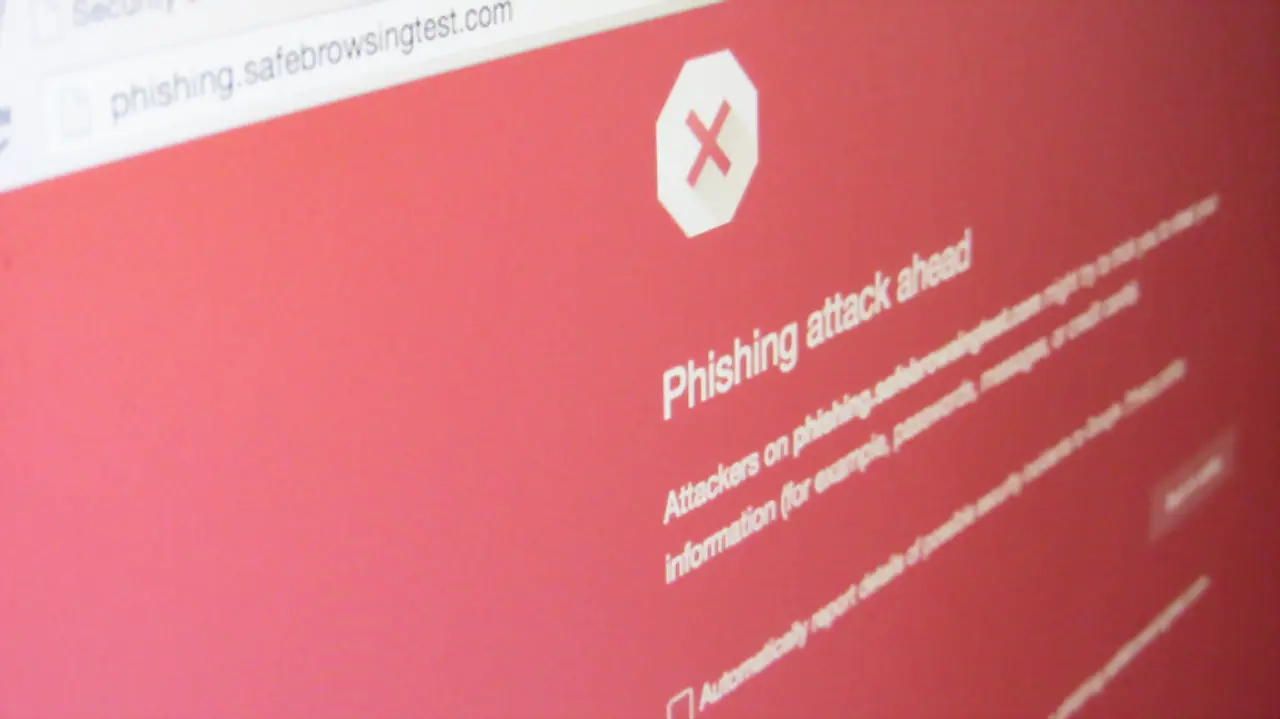
When an unverified link is clicked, or a suspicious attachment is executed, stop everything and disconnect your device from the network instead of trying to figure out what happened. Unplug the Ethernet cable and turn off Wi-Fi to break active command-and-control communication with the attacker’s server, halt background data exfiltration, and prevent malware from moving to compromise other machines on the subnet.
If you entered any passwords or personal details into a fraudulent form, switch to a different, clean device to secure the account. Change your password right away, and do the same for any other accounts sharing that login. Beyond updating the passphrase, go to the account’s security settings to revoke active login sessions, remove unauthorized devices, and invalidate active API or authentication tokens so an attacker cannot ride existing sessions.
Once the immediate threat is contained locally, notify your internal IT help desk or Security Operations Center and give them full context: share the destination URL, note whether any files were opened, and forward the phishing email with raw headers intact. This allows the security team to extract Indicators of Compromise, block the attacker’s domains on firewalls, and automatically purge similar emails from everyone else’s inbox.
Finally, run a thorough system scan with security software to find keyloggers, reverse shells, or background persistence hooks that may have been installed during the visit. If banking records, credit card numbers, or government ID details were exposed, contact the relevant financial institutions to freeze payment cards, dispute pending transfers, and place fraud alerts on your credit files to prevent subsequent identity theft.