

If you’re a serious gamer, you definitely want to keep your laptop in excellent shape as much as you can, and one component that’s important in a portable computer is its battery. Consider you are in the middle of an intense boss fight when your battery unexpectedly acts up or, to make matters worse, bursts. What an absurdly odd catastrophe. Although it’s improbable, such incidents can be avoided with some knowledge and care for your batteries. In this guide, we’ll tell the dos and don’ts to keep a gaming laptop’s battery in top form.
Why Do Laptop Batteries Explode?
It’s crucial to understand how laptop batteries work. These aren’t standard AA cells; without being overly technical, the battery in a gaming laptop is usually lithium-ion, which stores and releases energy by moving lithium ions around. So what could make a lithium-ion battery blow its top? These few main reasons usually cause such dramatic scenarios:
- Physical damage occurs when a laptop takes a nasty tumble or is crushed in your bag.
- Battery overheating and failure can be caused by electrical problems, like if the charger delivers an excessive amount of voltage.
- Thermal runaway happens when a battery overheats and can’t return to normal temperature. It can even lead to an explosion if pressure rises to a dangerous level.
Unlike their regular counterparts, gaming laptops are usually subject to high stress due to their high-performance nature. They are built to run all types of games, which consume more power and generate more heat—two factors that can increase the risk of a battery mishap if not correctly managed. However, battery explosions are rare, not something you can hear or see in every other laptop. However, it’s better to take measures against a situation like this by learning about it.
Look for a Gaming Laptop with a Long Lasting Battery
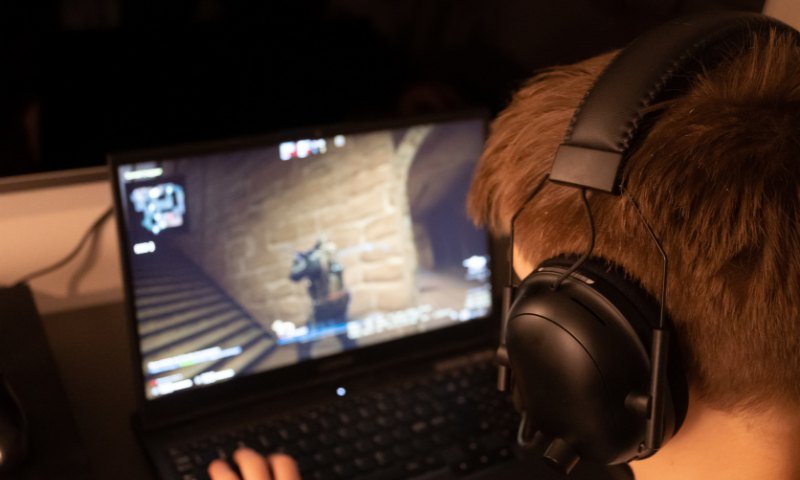
Other than a laptop battery that can last through hours of gaming sessions, look for one that’s sturdy and equipped with good safeguards. Check out customer reviews and expert ratings on the battery’s lifespan and safety.
When it comes to battery performance, some manufacturers have a better reputation than others. While we won’t mention names, do some homework to find which brands put extra effort into battery safety. Laptops with overcharging protection and strong cooling systems are great to keep your laptop’s battery in a safe working condition. Also, pay attention to the guarantee – the warranty duration can hint at how confident they are in their products. A good warranty that covers battery-related issues is always a priority.
Use Laptop Properly to Increase Battery Lifespan
Extreme heat or cold can damage a battery, which many people don’t realize. In other words, your laptop would not do well if you took it to the middle of a volcano or a cold tundra, although both settings sound amazing for gaming. Further, don’t leave the device in the car on a hot day and place it in an excellent, well-ventilated spot.
High-demand gaming and heavy creative tasks are what the machine is designed for, although it becomes hard on its power source. Just as a marathon runner wouldn’t sprint the entire race, you shouldn’t always have your laptop running at full throttle. Taking breaks between gaming will not only save your battery but can also improve your game. Sometimes, stepping away can give you a fresh perspective to complete a challenging quest or farm more crafting items.
Gaming is fun, we get it, and it’s easy to get lost in exciting battles and fantasy realms. But remember, the laptop needs rest too. Don’t leave the laptop in sleep mode, but shut it down regularly, which helps maintain its overall health. Treating your laptop carefully might not be an exciting part of gaming, but it’s as important as choosing the strong armor in an RPG.
How to Make Gaming Laptop Battery Last Longer
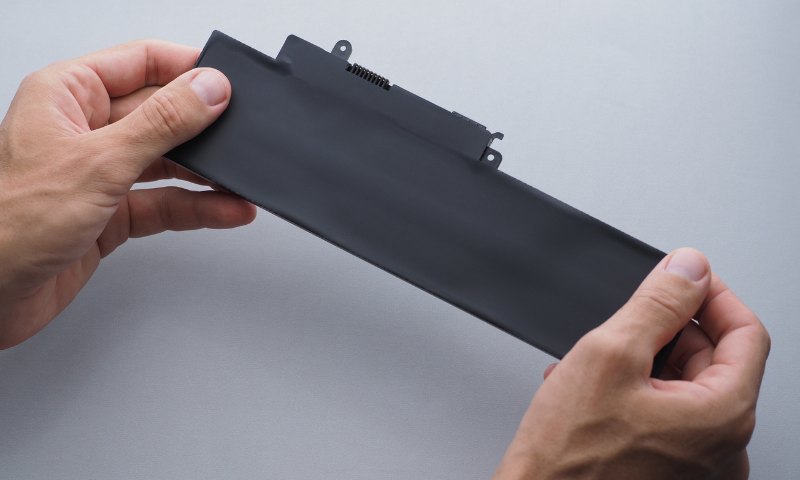
Gaming laptops’ battery maintenance demands consistent, deliberate care. Treat it as you would any high-performance hardware: monitor it, clean it, and avoid unnecessary strain.
- Run Regular Hardware Checks: A gaming laptop is a long-term investment, and routine inspections extend system and battery life. Clear dust from vents, check that airflow isn’t blocked, and see the chassis for early signs of battery swelling or localized heat buildup. Catching these issues early prevents permanent damage.
- Charge With Intent: Battery charging isn’t a “set and forget” process. Avoid keeping the laptop plugged in at 100% for extended periods, and don’t drain it to zero. Both extremes accelerate cell degradation. Aim to operate between 20% and 80% for daily use, as this range reduces stress on lithium-ion cells and preserves long-term capacity.
- Stay Updated: System and firmware updates mostly include critical power-management optimizations. Installing them promptly improves thermal efficiency, charging behavior, and battery lifespan.
Battery Safety Measures
- Physical pressure and cramped storage damage internal components and, in some cases, the battery itself. Carry the laptop in a properly padded bag, avoid stacking heavy items on top of it, and keep it away from extreme heat or cold.
- Gaming generates massive heat, and high temperature is the fastest way to reduce battery life. Use the laptop on a hard, flat surface, and use external cooling pads when you play modern demanding titles for hours.
- If the battery overheats, emits an unusual odor, warps the chassis, or shows any swelling, stop using the device immediately. Continued operation is a safety risk. Have the system inspected by a qualified technician before powering it on again.
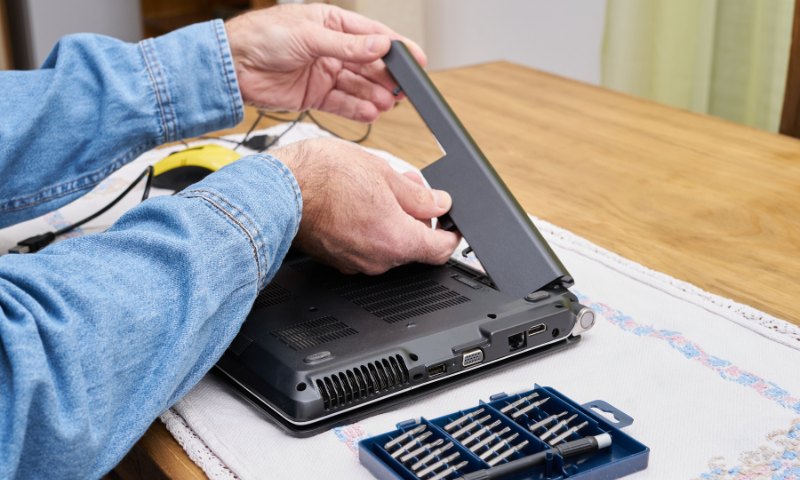
Frequent overheating, quick battery drain, a bulging chassis near the battery, or sudden shutdowns are all signs of a failing battery. Any of these symptoms warrants instant inspection. When these signs appear, don’t use it and disconnect it from power. If you continue to use the system with a compromised battery, it can cause further damage.
Moreover, avoid DIY repair if you are not a tech guy. Modern gaming laptops have tightly integrated power systems, and wrong handling can worsen the problem or lead to more damage. Take the laptop to an expert computer technician who can diagnose the issue and fix it for you.
Read Next: