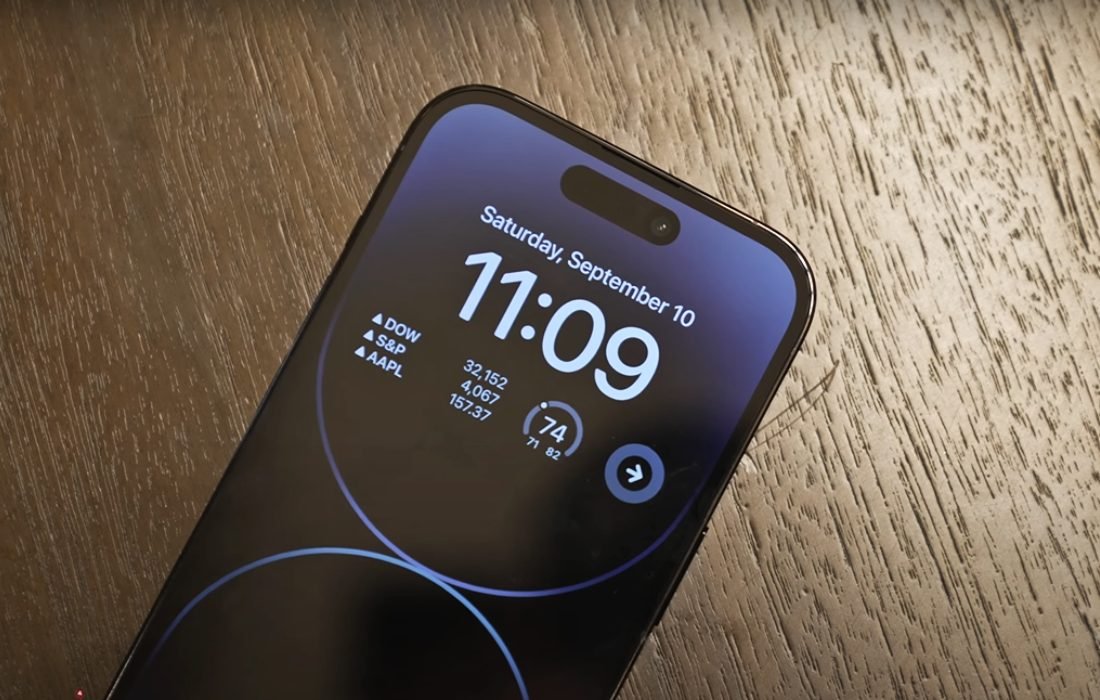
Apple’s introduction of the Always On Display with the iPhone 14 Pro instantly led to comparisons with Android phones that have offered the same feature for years. Yet Apple’s execution is different and better in both design intent and system integration. So, the result is a more cohesive and effective approach that sets a new bar for what an Always On Display can do.
Continuity Instead of Separation
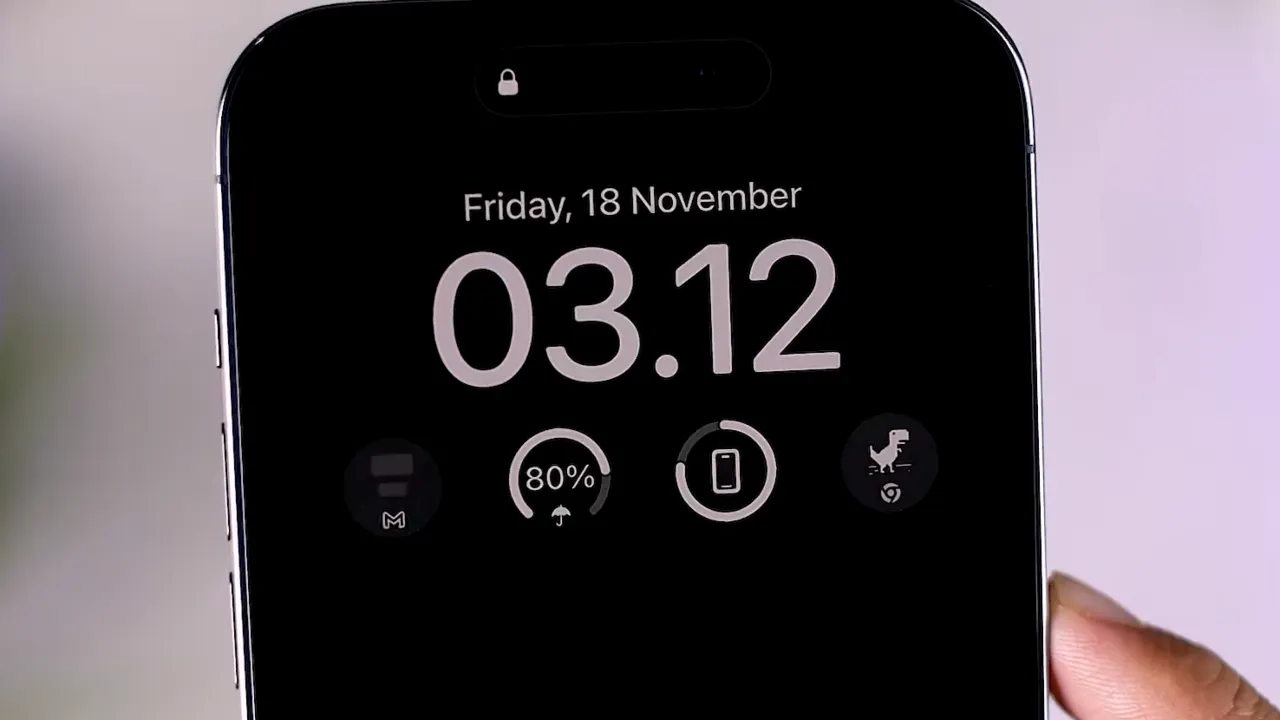
On Android, the Always On Display functions as a secondary layer. When your phone sleeps, the interface switches to a simple black screen that shows the time, date, and notification icons. Apple ditched that separation. and instead, the iPhone’s Lock Screen remains active in a dimmed state.
This smart strategy allows widgets, wallpapers, and live activities to be visible even in its sleep state. It creates a single visual environment that shifts nicely between active and idle modes. Apple’s goal was not to display less but to display intelligently.
Power Management Through Hardware Control
The biggest advantage of Apple’s Always On Display is its power management. iPhone 14 Pro uses an LTPO OLED panel that can drop its refresh rate to one FPS, which lets the display stay active with minimal consumption of power.
Apple is taking things a step further with the Always On Display feature through contextual awareness, so the screen automatically dims when you place the phone face down, stick it in your pocket, or when your paired Apple Watch detects that you’ve stepped away. That’s a smart way to make sure the feature is only active when it needs to be, cutting down on battery waste during the inactive state.
Android phones have had some form of motion detection kicking around for years, but I’ve noticed Apple’s integration of hardware, software, and wearables does give it a noticeable edge.
Real-Time Functionality
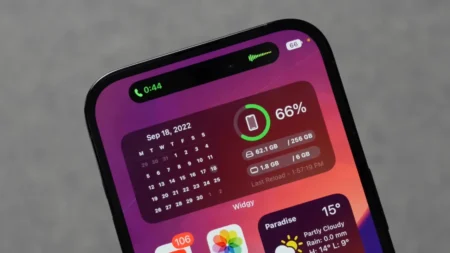
Apple’s AOD supports live updates in real time through widgets and system apps. You’ll still see timers, maps, calls, and voice recordings visible on the screen. Notifications appear as a full banner rather than a minimalist icon, which is a design choice that prioritises real-time awareness over keeping things simple.
I know some other mobile phones, like Samsung’s Galaxy series, can show small interactive bits and bobs, but the iPhone’s way takes it a step further by basically turning your lock screen into an always-on thing. It keeps context, not only a mere notice that something is going on in the background.
Adaptive Behavior and Context Sensitivity
The feature isn’t 100% always on, though. Apple has built in some adaptive logic so it switches auto off when you’re in low power mode, sleep focus, or lighting suggests inactivity. The system also learns your usage over time and optimises it, so it knows when to show you things and when to shut them down. That’s a good strategy, a lot better than the timer-based stuff Android comes with.
Visual Implementation
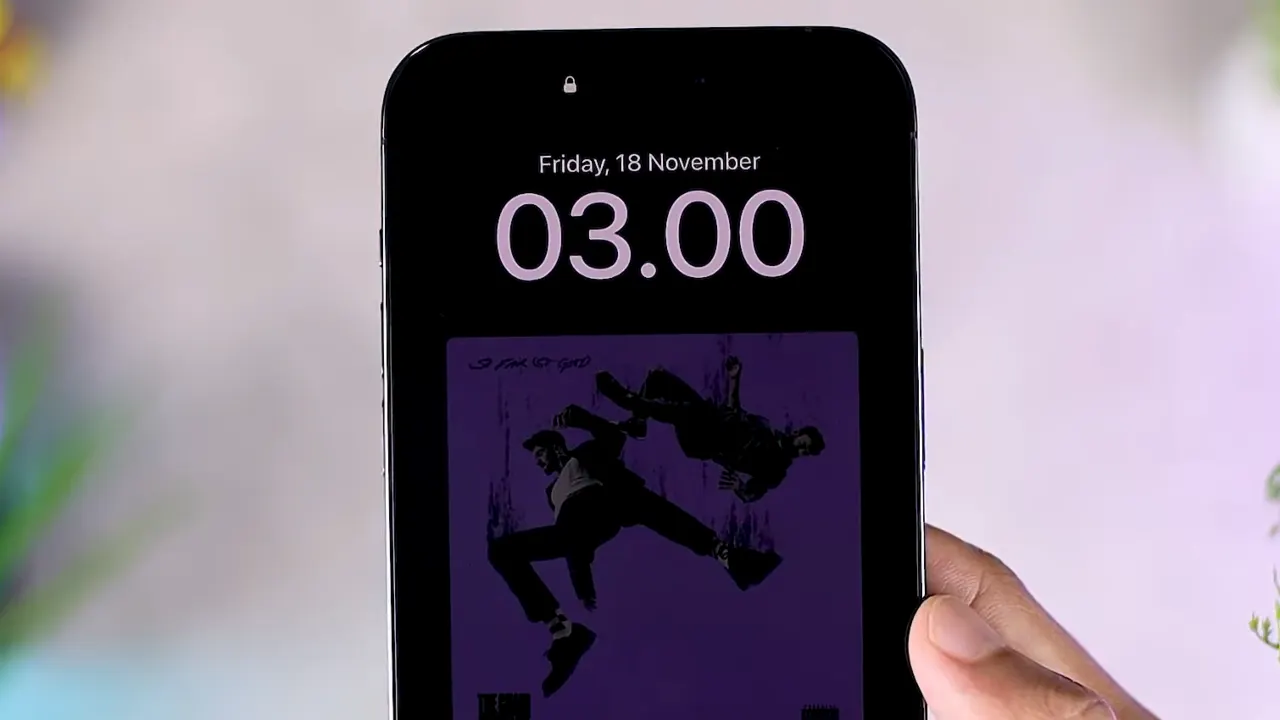
Apple’s AOD feature keeps the Lock Screen wallpaper dimmed out rather than going completely black. That keeps the display nice, but it’s had a mixed response – some people like it, others see it as a distraction and prefer the minimal presentation of Android.
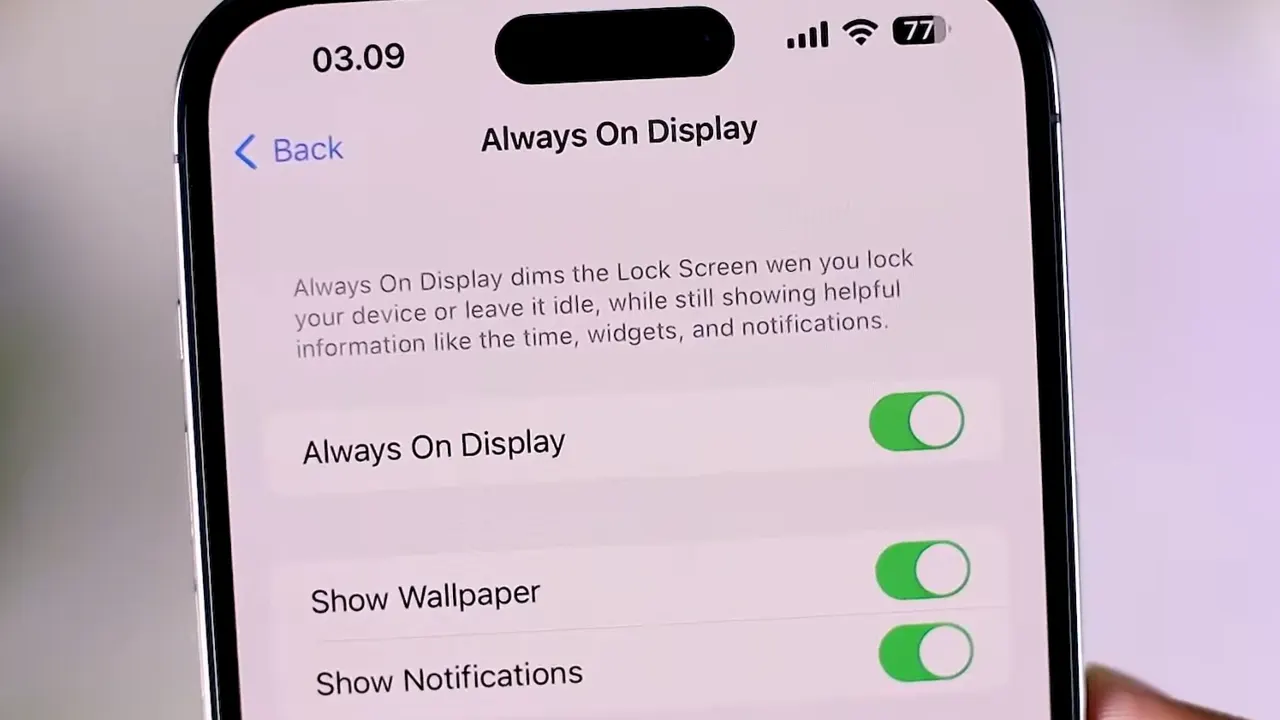
Despite what some people think, Apple’s reasoning is actually pretty consistent with how it’s always worked for user experience: keep UI look and feel the same. The display may be dim, but it doesn’t completely change the screen, which gives the user’s preferred design and layout some continuity. However, that limited flexibility is a trade-off – Android lets you get a lot more customisation with options like clocks, notification icons, and animations. Apple simply allows you to toggle the feature on or off.
Practical Advantages Over Android
When you compare it to Android, Apple’s Always On Display has a lot of good things to appreciate:
- Integrated system logic – All the power and context management is handled very smartly by hardware sensors and devices.
- Full functionality in idle mode – With widgets, banners, and all the real-time data still visible without needing to unlock the screen.
- Automatic adaptation – The display turned on or off based on how you use it and the environment you’re in.
- Minimal manual configuration – The system does all the hard work to keep things balanced and effective with little input needed.
All these design choices turn the feature into a creative extension of the interface rather than a passive screen element.
Remaining Limitations
Apple’s Always On Display implementation isn’t all sunshine and rainbows. The lack of customization will frustrate users who are used to Android’s flexibility, and some may want an easy option to turn off wallpapers and colors. The visual brightness, even at its lowest, can be distracting in dark rooms. Further, the feature is exclusive to the Pro models because of the LTPO display technology required for low refresh rates. This means the standard iPhone 14 doesn’t have parity with Android competitors at the same price.
Broad Implications
Apple’s approach shows a big shift in how they view ambient information. The Always On Display is not a standalone feature but part of a continuum, including the Lock Screen, widgets, and Live Activities, designed to give passive reach to data without active interaction. This means the iPhone’s screen would be a contextual display surface that adjusts its behavior based on situation and intent. They will likely open up developer access to allow third-party apps to use Always On Display elements in a controlled way.
Comparison with Android’s Evolution
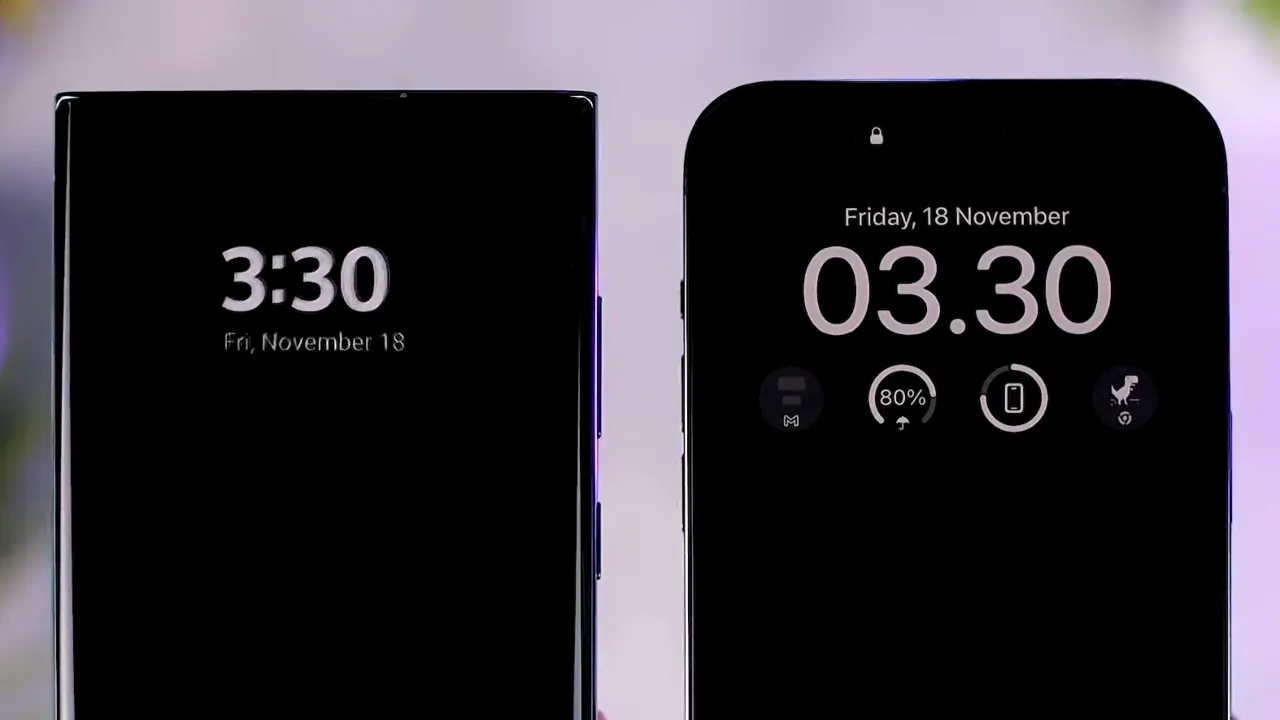
Android manufacturers built the feature but evolved it slowly. Samsung added color and minimal interactivity to its AOD, while OnePlus and Oppo prefer customization. Most logics are limited to static content, but Apple entered late but did so with a system-level integration that brings together hardware productivity, ecosystem awareness, and UI consistency. As usual, they prioritized cohesion over variety.