

Ever notice how your earbuds or headphones, the ones you wear everywhere, end up grimy? It happens to every user. They remain in contact with your ears, hair, and even sweaty skin after a workout jam session, so they pick up earwax, sweat, and all sorts of bacteria. But cleaning them isn’t hard. Here’s how to get your earbuds or headphones to look (and smell) much better again.
How to Gently Clean Your Earbuds
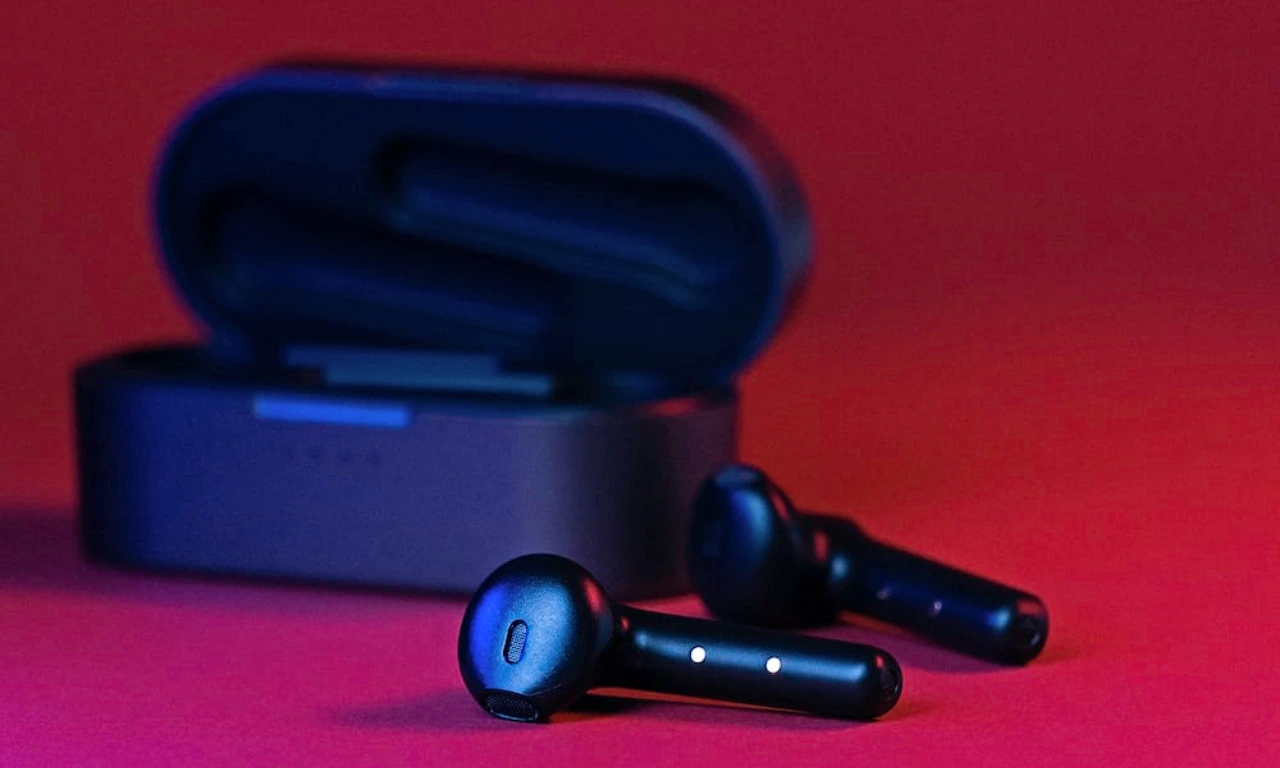
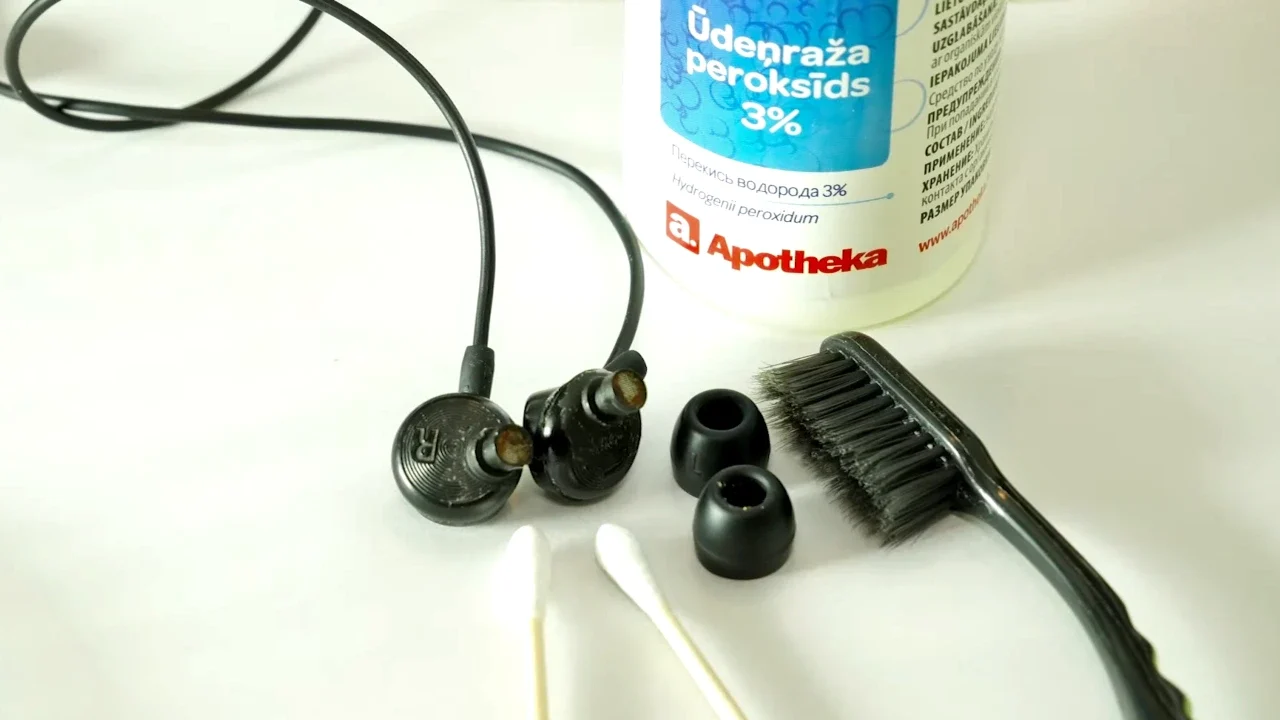
Step 1: If your earbuds have the soft silicone tips, pop them off—they come off easily.
Step 2: The tips can get nasty, so soak them in some isopropyl alcohol or warm, soapy water. Let them sit in there, then rinse and dry them off.
Step 3: Now, check the speaker grilles and the small air vents. If you spot the dirt accumulated there, it’s time to wash the speakers.
Step 4: Grab a wooden toothpick and gently poke out anything stuck in there. Go easy — you don’t want to jab too hard and break something.
Step 5: Take a Q-tip, dampen it with some alcohol, and carefully clean the grilles and vents.
Step 6: Wipe down the rest of the earbuds’ bodies with a cloth barely dampened with alcohol. It will get rid of fingerprints and leftover grime.
Step 7: If you have a charging case, open it up and use a Q-tip to clean inside. The charging pins mostly collect dust.
Step 8: Last thing, clean the outside of the case with a soft, damp cloth.
And that’s it! Now you have earbuds that look and feel brand new, ready for your next playlist session.
- Related: How to Connect AirPods to PS5
How to Clean Your Headphones Without Damaging Them

Step 1: First things first, if your headphones have removable earpads, take them off gently. You’ll get better access to the speaker area this way.
Step 2: Next, grab a soft toothbrush and sweep away any dust or grime stuck in the speaker grills. If there’s stubborn debris, a quick burst of compressed air or a blower does the trick.
Step 3: If you spot any hair tangled up near the drivers, use tweezers to remove it. Don’t touch the drivers themselves because they are weak parts.
Step 4: Now, take a cotton swab, dip it lightly in isopropyl alcohol, and wipe down the surfaces. Don’t go overboard; keep it only damp, never wet. Hold your headphones so the drivers face down to avoid liquid sneaking inside.
Step 5: Earpads collect sweat and oils over time, so clean them up with an antimicrobial wipe. For seams, an alcohol-dampened cotton swab is good for it, or use a cloth with a bit of warm, soapy water.
Step 6: After cleaning, pat the earpads dry with a clean towel and let everything air-dry completely before reattaching it all back.
How Often Should You Clean Headphones or Earbuds?
If you use them every day or during workouts, wipe them down weekly and do a deep clean every week or two. For occasional use, a monthly deep clean is enough. Keeping your headphones clean feels better, and it keeps them sound great and lasts longer.
FAQs
Why is it important to clean headphones and earbuds regularly?
Because earwax, sweat, and dirt build up fast. They mess with the sound and aren’t great for your ears.
Can I use water to clean my headphones and earbuds?
Only use water on removable earpads, and don’t soak anything. Keep water away from the electronic parts, and always use a barely damp cloth if required.
Is isopropyl alcohol safe to use on headphones?
Yes, it works well. It evaporates fast and doesn’t leave gunk behind. But use alcohol a little, and never on the drivers or inside ports.
Can sweat damage headphones?
Over time, it can damage the earphones. Sweat breaks down materials and can hurt the electronics. If you sweat a lot, look for sweat-resistant headphones.
How do I stop dirt and earwax from piling up?
Wipe your headphones after use every time and stash the earbuds in their charging case.