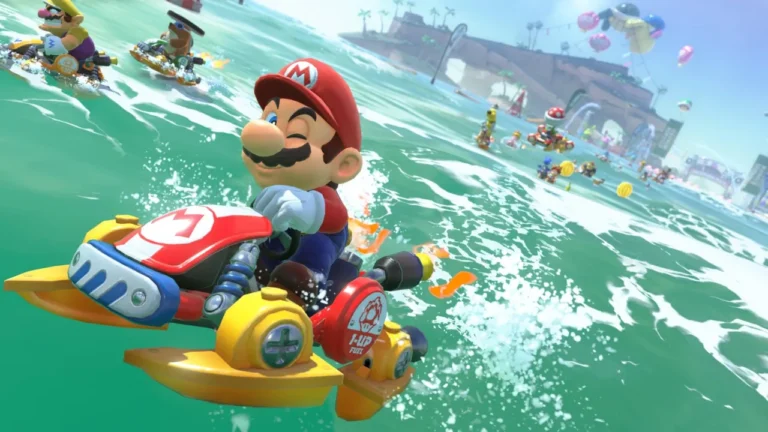
If you’re new to Mario Kart World on the Switch 2 or a seasoned pro who wants full control over every drift and jump, one setting will be in your way and it’s Smart Steering. This assistive feature is turned on by default and while it helps you not fly off the track, it can also limit your ability to fully explore the game’s tracks, shortcuts and tricks. It’s good to use for practice as a novice but not for actual gameplay. So if you’re ready to race without training wheels, here’s how to turn off Smart Steering in Mario Kart World on Nintendo Switch 2.
What is Smart Steering?
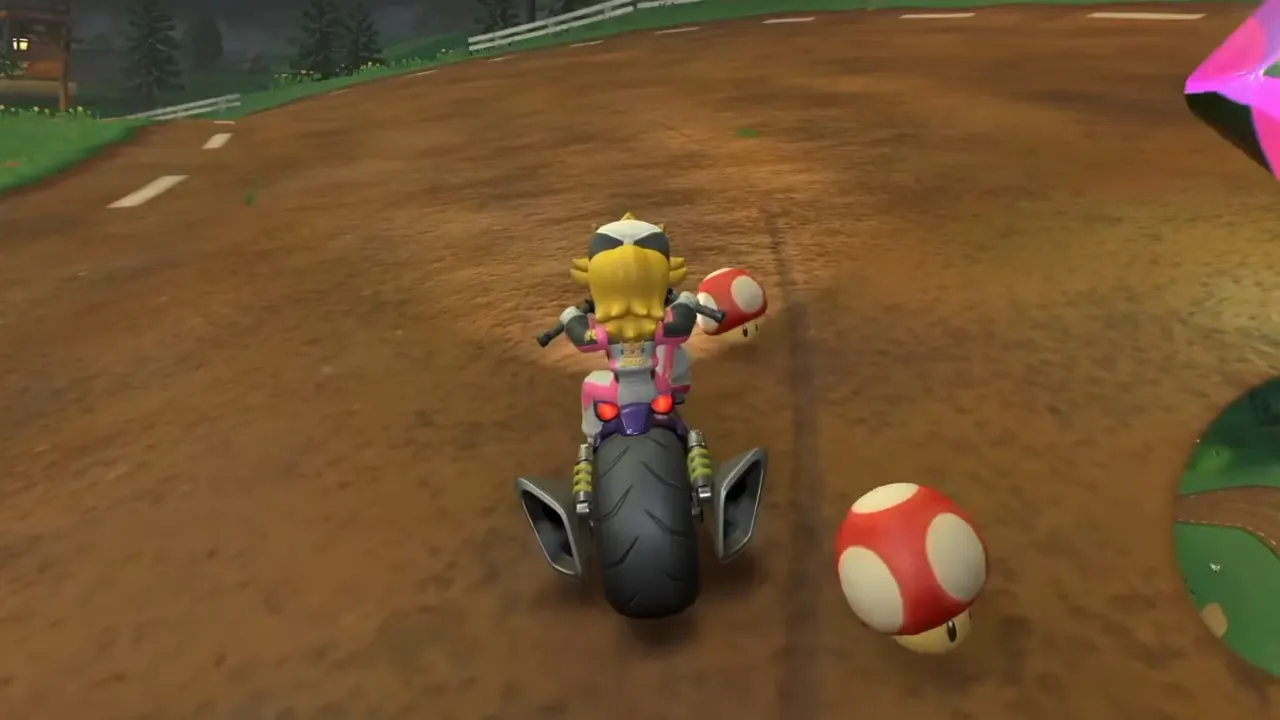
Smart Steering is a feature to help keep your kart on the track. It gently guides your character away from course edges and prevents you from falling off, which can be a lifesaver for beginners or younger players still learning the controls. Once it’s active, you will see a small antenna on the back of your kart flashing yellow.
Though this assist is good to learn the ropes, it becomes more of a limitation to get the full hang of the game. That’s because Smart Steering won’t let you go off-road, even when it leads to hidden shortcuts or high-risk, high-reward grind rails. To improve your lap times, explore alternate paths, or pull off sick stunts, Smart Steering might hold you back and you then want to disable it.
How to Turn Off Smart Steering in Mario Kart World
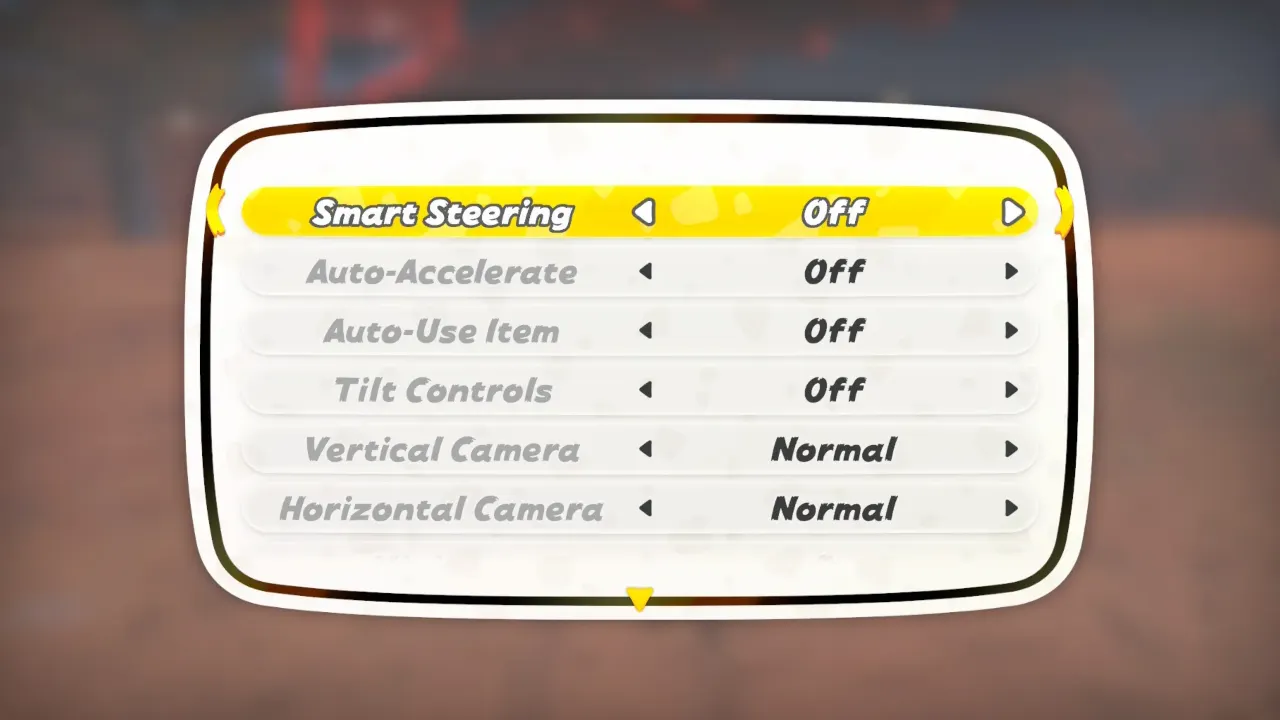
Turning off Smart Steering in Mario Kart World is simple through the in-game settings. You can change the options from different menus:
- From the Vehicle Selection Screen: When you’re picking your racer and kart before a race, press the X button to open the settings. The Smart Steering option will be right at the top of the list—toggle it off.
- During a Race: Already on the track? No problem. Press the + button to pause the game, then hit X to open the settings. You’ll see the Smart Steering option there, along with others like tilt controls or auto-accelerate.
- In Free Roam Mode: From the open-world Free Roam mode, the process is the same. Press + to pause and then X for the settings menu.
During an online match, be careful as pausing the game won’t stop the race for other players, so you could be left behind if you’re fumbling through settings mid-lap. It’s best to set your preferences before the action starts.
Should You Use Smart Steering in Mario Kart World?
If you’re a newcomer to racing games or picking up Mario Kart World for the first time, Smart Steering can be very helpful. It acts like a set of training wheels that keep you on the track, guide you through tricky turns, and you don’t have to worry about falling off ledges thanks to bad driving which makes the game more forgiving, especially on twisty tracks like Rainbow Road.
Once you’ve got the hang of things like how to take corners, drift, and time your boosts, you can switch it off. Smart Steering has a downside: it won’t let you explore every part of the track. Many of the game’s good shortcuts, alternate routes, and grind rails are located on the edges of the course, and with Smart Steering enabled, your kart will actively steer you away from them. That means you could be missing out on faster routes and opportunities to pull ahead.
So to get better, unlock new paths, or have full control over your kart, turning Smart Steering off is the way to go. For casual fun, especially in a group with mixed skill levels, it’s fine to leave it on. Keep in mind that the more confident you get, the more it starts to hold you back.